
Laptop desk setup for focus: one cable, eye-level screen, fewer distractions
A tight setup recipe for laptop users: dock fast, sit better, start tasks quicker—no extra clutter.
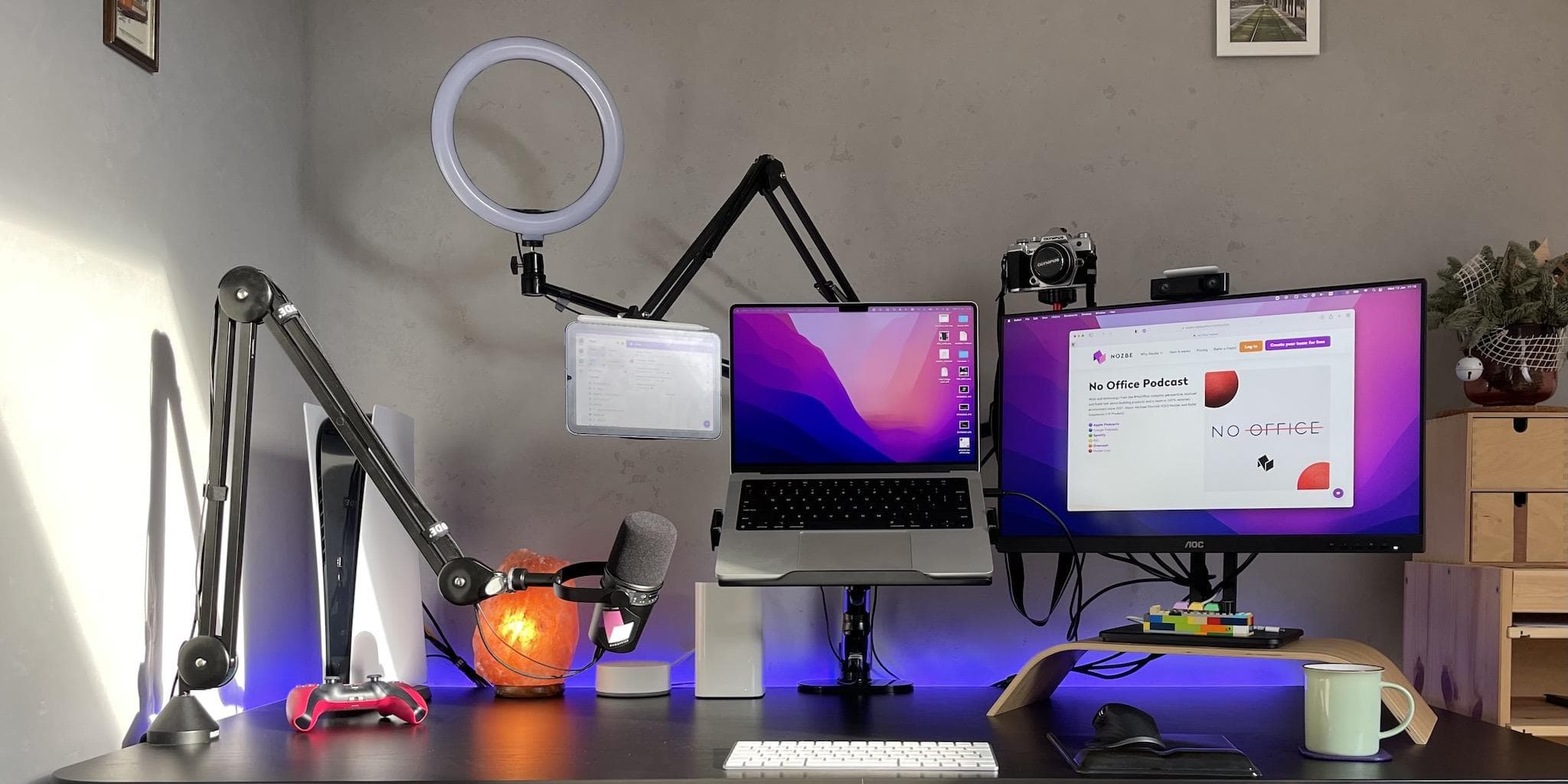
Laptop setups fail in two ways: too many cables and a screen that’s too low. Fix those and your desk gets easier to use.
The “one cable” brain
You want one plug that handles power + display + ports. That’s the whole point.
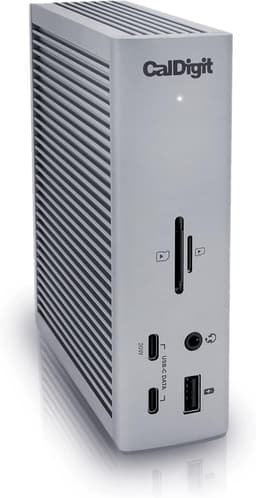
The “stop thinking about ports” dock. Expensive, but it turns a laptop setup into a one-cable workstation.
View on AmazonGet the screen up (this is posture insurance)
If your neck hurts after 2 hours, it’s usually the screen height.
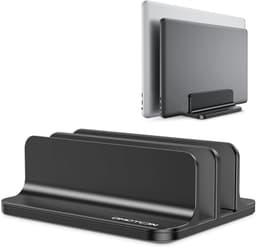
A stable, good-looking way to get a laptop to eye level. Great if you want zero wobble.
View on AmazonInput that keeps you in flow
Trackpads are fine until you’re doing real work for 6 hours.
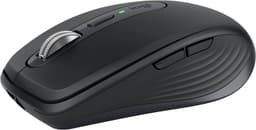
Smaller than the Master, still premium. Great for small desks or if you travel with your mouse.
View on Amazon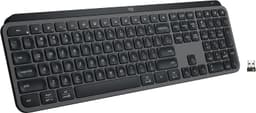
Low-profile, quiet, and fast. Best pick if you don’t want loud mechanical keys.
View on AmazonThe “start faster” trick (no phone required)
If you keep getting stuck, a visual timer is a clean cue to begin.

Visual time left reduces procrastination; great for Pomodoro without phone distraction.
View on AmazonTwo rules that keep it clean
- If it’s not used daily, it doesn’t live on the desk.
- One cable in, one cable out. Anything else becomes friction.