
Clean desk upgrades under $200 (the “feels expensive” list)
Four upgrades that make your desk feel cleaner and more comfortable fast—without turning it into a hobby.
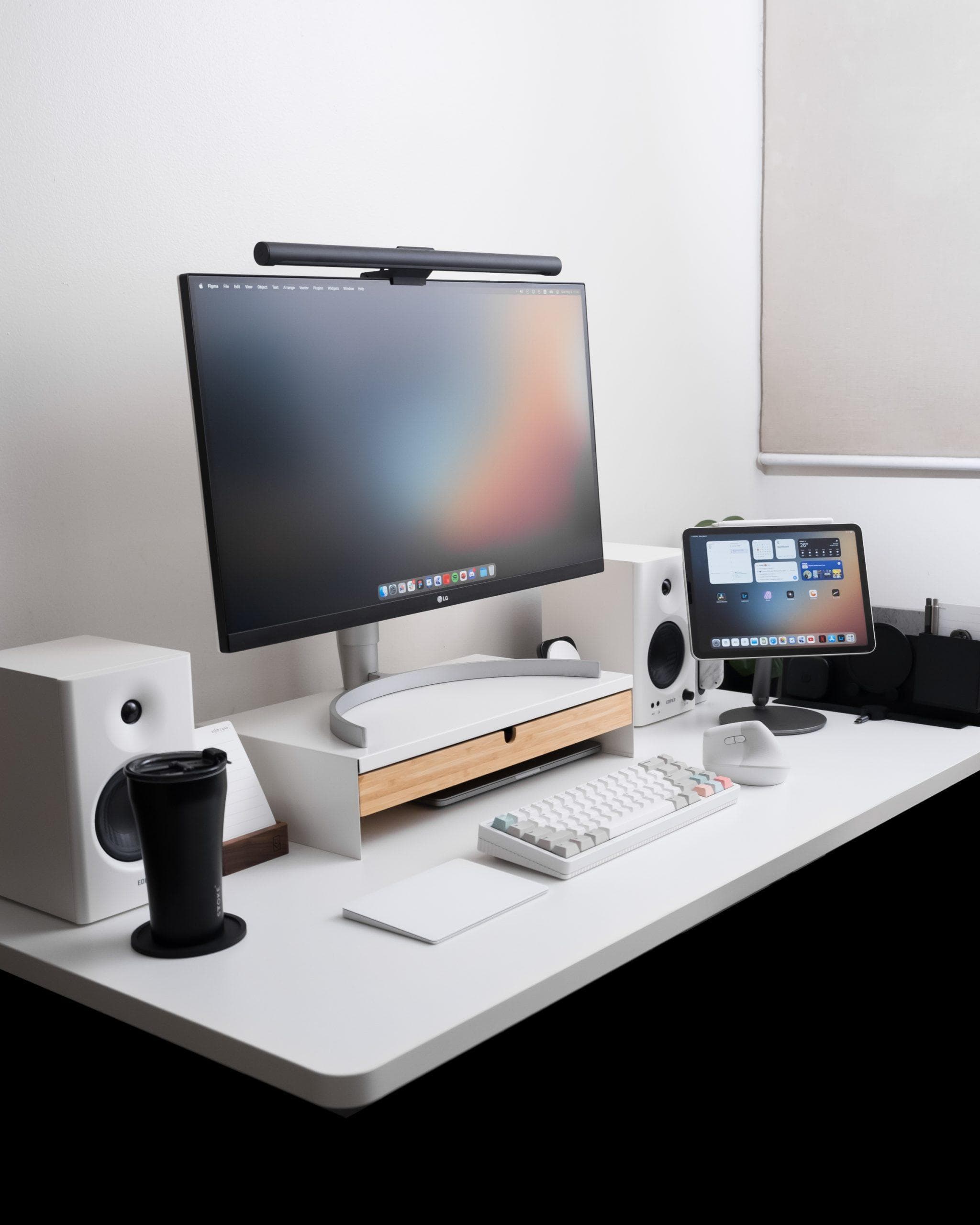
If your desk feels messy or “meh,” you usually don’t need more stuff. You need a few upgrades that remove friction.
The fast order (do it like this)
- Cable mess (instant “clean”)
- Surface (everything feels nicer)
- Mouse (comfort + speed every day)
- Keyboard (quiet + fast)
1) Kill the cable mess (the photo test)
If you can see the power strip and adapter spaghetti, the desk never looks clean. Fix that first.
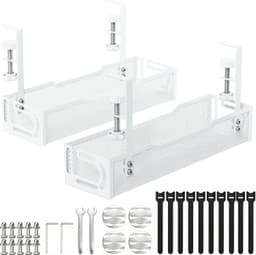
Fast, clean cable storage under the desk. The kind of upgrade that instantly makes a setup look “finished”.
View on Amazon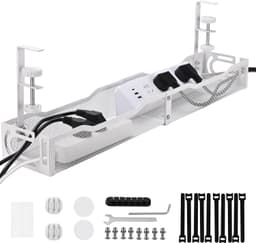
Hide the power strip + adapter mess in one box. Looks 10× cleaner in photos and in real life.
View on Amazon2) Make the desk feel “finished”
This is the easiest way to make cheap desks look intentional. Also: your mouse just feels better.
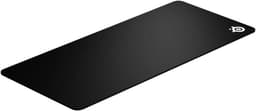
Reliable surface and size; a safe “buy once” mat for most desk layouts.
View on Amazon3) Best “daily driver” upgrade for work
If your hand gets tired, you’ll feel this one immediately. Also: the scroll wheel is stupid good.
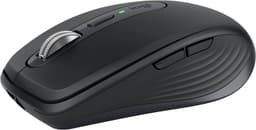
Smaller than the Master, still premium. Great for small desks or if you travel with your mouse.
View on Amazon4) Quiet keyboard that still feels premium
If you share a space (or hate loud keys), this is the “type all day” pick.
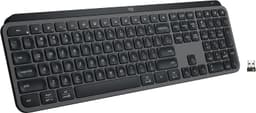
Low-profile, quiet, and fast. Best pick if you don’t want loud mechanical keys.
View on AmazonQuick rule
If you only buy one thing: fix the cables. That’s what makes a desk look expensive.