
Affiliate disclosure: Some links may be affiliate links. If you buy through them, we may earn a commission at no extra cost to you.
Best monitor arms for ultrawide (34–49”): stable, smooth, no wobble
A practical guide to choosing a monitor arm that actually holds an ultrawide steady—plus what to measure before you buy.
2026-04-15
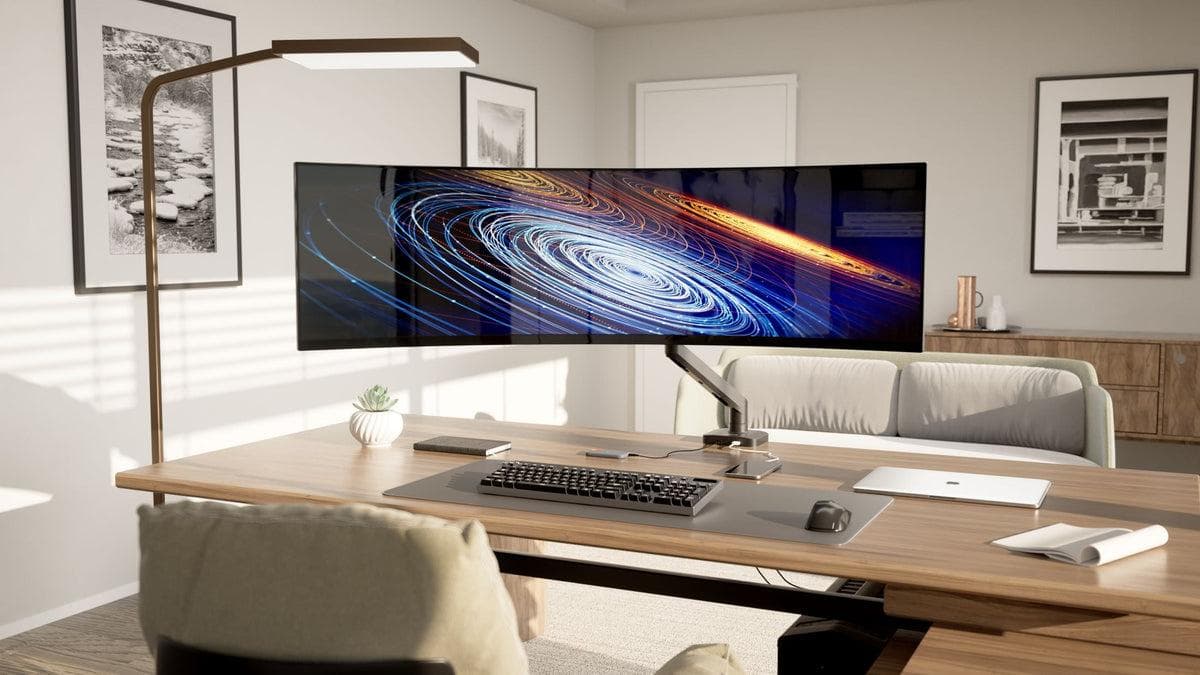
The biggest reason monitor arms “fail” on ultrawides is simple: the arm isn’t rated for the monitor’s real weight (with tilt and leverage).
What to check before buying
- Monitor weight (with stand removed): find it in the spec sheet.
- VESA pattern: usually 75×75 or 100×100.
- Desk thickness: clamps have limits—measure once.
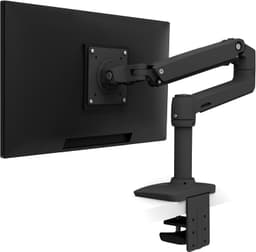
Ergotron LX Single Monitor Arm (Desk Mount)
Best overallPremium gas-spring arm; excellent stability for 24–34\" monitors and clean cable routing.
View on Amazon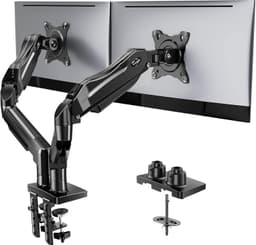
HUANUO Dual Monitor Stand (13–32\")
ValuePopular value dual arm; good for two standard monitors when you want a clean desk.
View on AmazonChoose this if…
- You want “buy once, stop thinking” → go with the premium stable arm.
- You have two standard monitors → value dual arms can be great.
Common gotchas
- Wobble often comes from loose desk clamps, not the arm itself.
- Cable slack matters: leave enough slack for full range of motion.